• Home
  • About
  • Blog
  • Contact
  • Daily Drawings
John Suder

Design | Lettering | Illustration

  • Home
  • About
  • Blog
  • Contact
  • Daily Drawings

'Make Excuses or Make Money' Lettering Study

john-suder-make-money-or-excuses-8x10

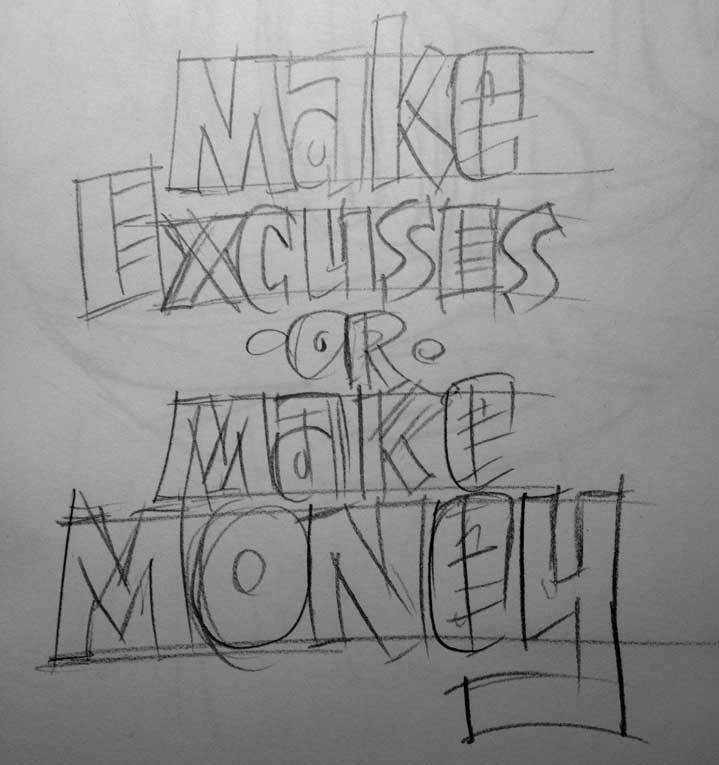
Another lettering project with a phrase captured in the sketchbook from an unknown source. I'm sure this phrase was born from some podcast or book or blog post dealing with time management or procrastination and I felt the need to capture it, because it's so spot-on. Making excuses just takes away from time you could be doing. There is no try, only do. I sketched the letters quickly with a loose set of characters, then took a photo of the sketch. This saves tons of time when your're tracing the sketch in Illustrator and not cleaning up lines in Photoshop.
john-suder-make-money-skecth

I shot the sketch at my drawing table with my iPhone, and since I had Photo Stream turned on, the sketch was already in iPhoto when I was ready to start tracing. I simply pulled the photo from iPhoto into Photoshop, cropped and resized (to make the file smaller) and then dropped the photo into Illustrator. I locked the photo onto it's own layer, set up a new layer for lines and begin tracing.

Since I used a very loose (and not very detailed) style of lettering, the tracing went very quickly. I only made a few modifications from the original sketch, capitalizing the letter 'A' throughout and the 'E' in 'Money'. I colored the letters in Illustrator until I got just the right color combo. This color selection was pretty much arbitrary, but I liked it. Obvious choices of shades of green just weren't working for me.

I then dragged the grouped letters into Photoshop as a Smart Object. This way I can compose a high resolution file and backgorund in Photoshop and then export to whatever size I need. I also still have the separate file of the the traced letters to repurpose or use on another size document.
tags: excuses, money, procrastination
categories: Daily Drawing, Illustration, Lettering
Monday 09.24.12
Posted by John Suder
 

'Mod Zone' Lettering Study

MOD-ZONE-715x905
MOD-ZONE-715x905

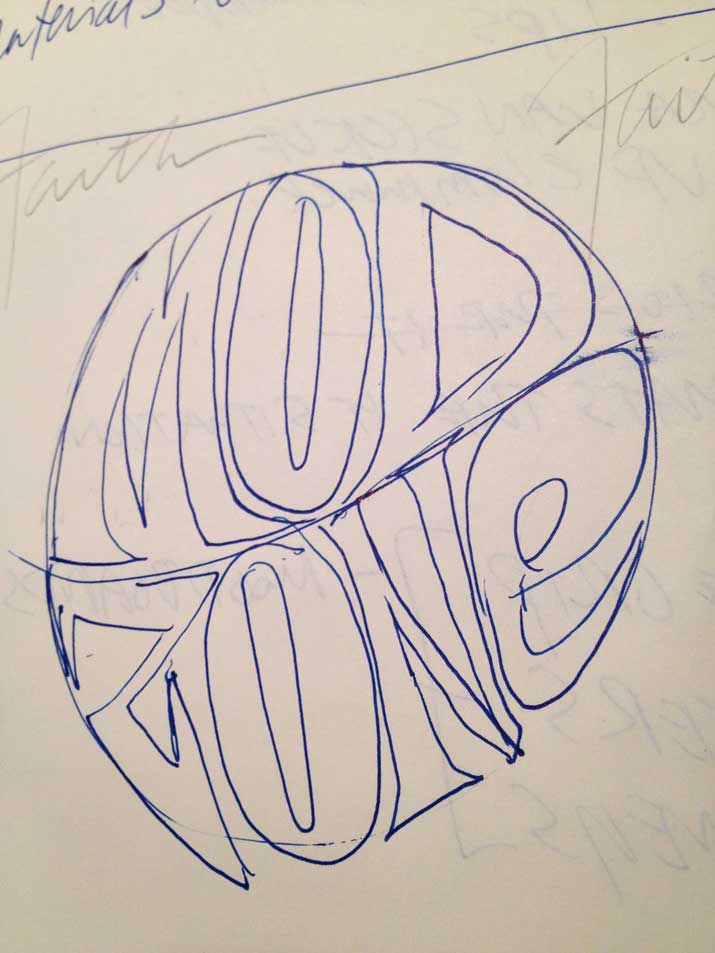
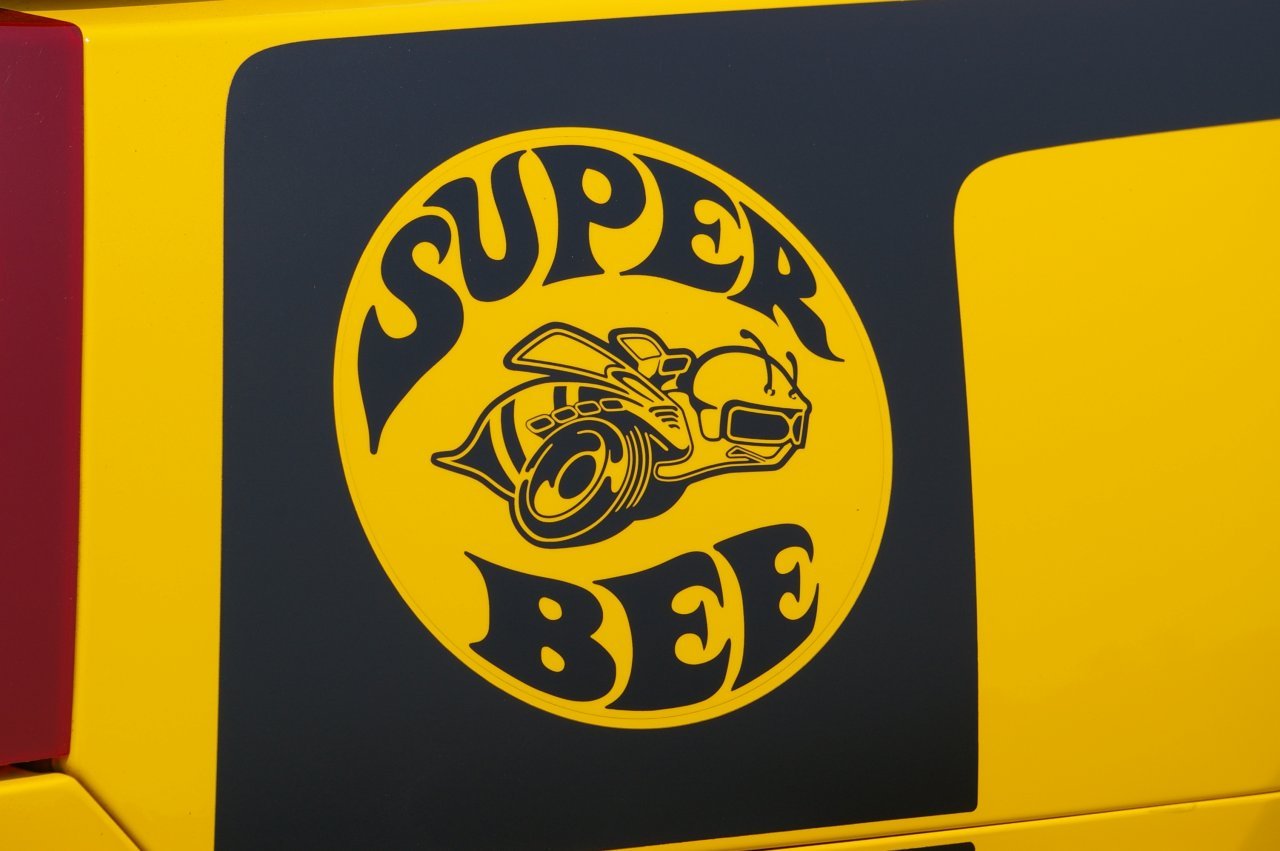
The phrase 'Mod Zone' somehow made it into my sketchbook a few weeks ago. I thought at first the influence was from the old Dodge 'Super Bee' logo, but the only things similar are the curved letterforms within a circle:

ag_07superbee_beedecal
mod-zone-sketch
mod-zone-sketch
mod-zone-ink
mod-zone-ink

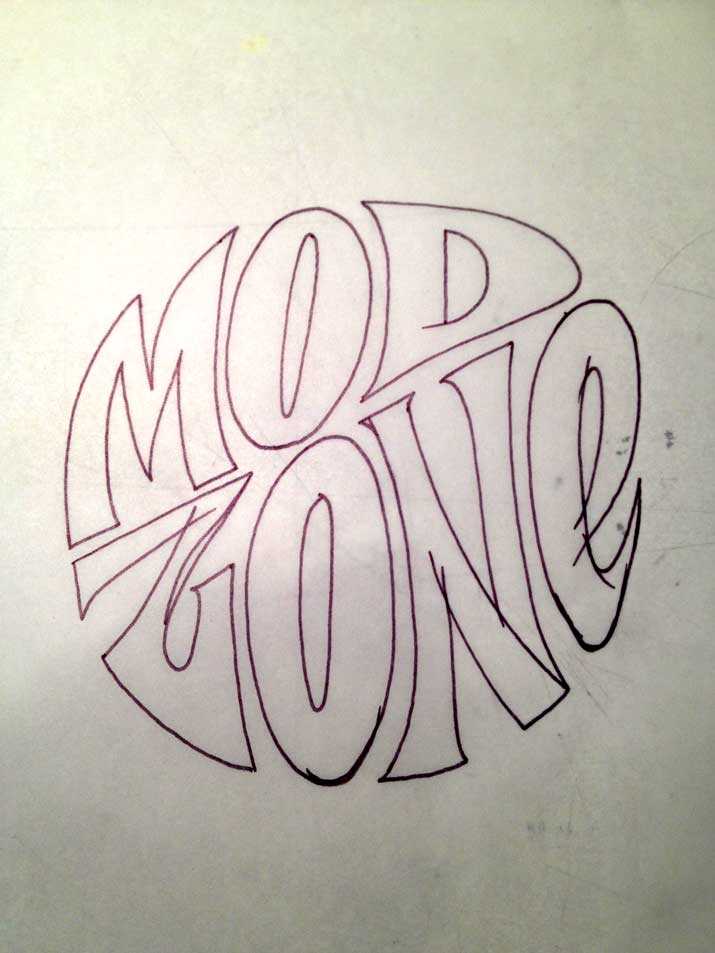
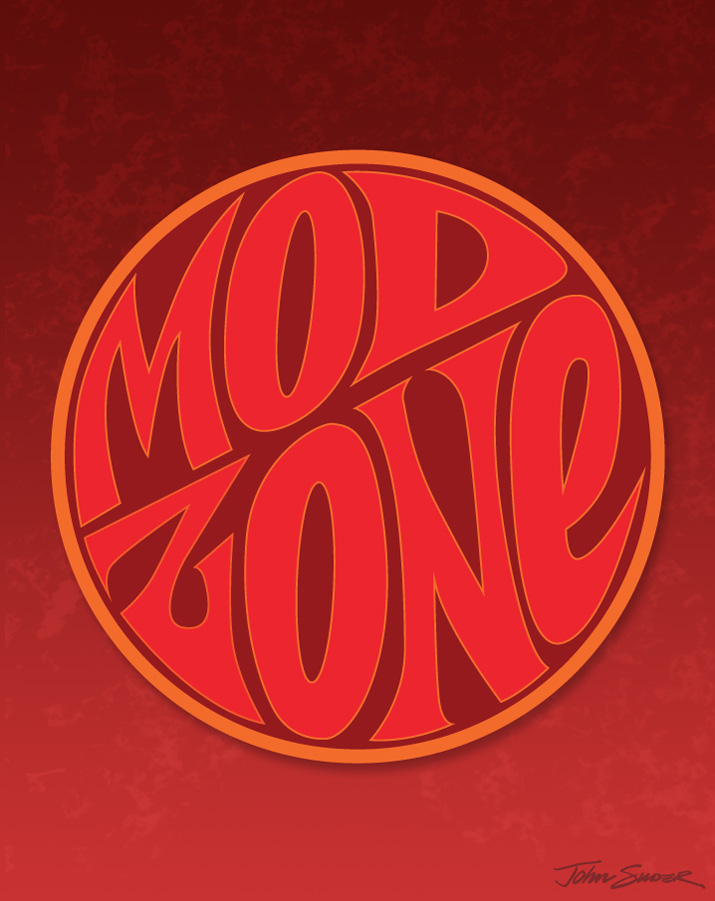
I made a quick inking of the letters, then scanned them into Photoshop. I didn't spend much time on cleanup, since I knew I was just going to trace the scan in Illustrator. Once the letter outlines were complete, I placed them within the circle, then adjusted the shapes of the letters to conform to the outline of the circle. As for colors, this selection was random. I didn't want to get too hung up on gradients and textures, but rather focus on the shapes of the letters.

Once the lettering was complete in Illustrator, I opened up a doc in Photoshop, created the background and added a subtle texture. I dropped the lettering in as a smart object, resized, added a slight shadow, and called it a day. I could have spent a lot more time tweaking, but I'm thinking I'd rather just crank out a bunch of these studies to work on technique.

tags: daily drawing, hand lettering
categories: Daily Drawing, Illustration, Lettering
Monday 09.17.12
Posted by John Suder
 
Newer / Older

Powered by Squarespace 6